
1. Scan or search
Scan a packaged-food barcode or search by product name. JFS checks supported data sources for a matching product record.
JFS is built around a simple flow: find the product, understand the available information, then compare or swap when you want another option.
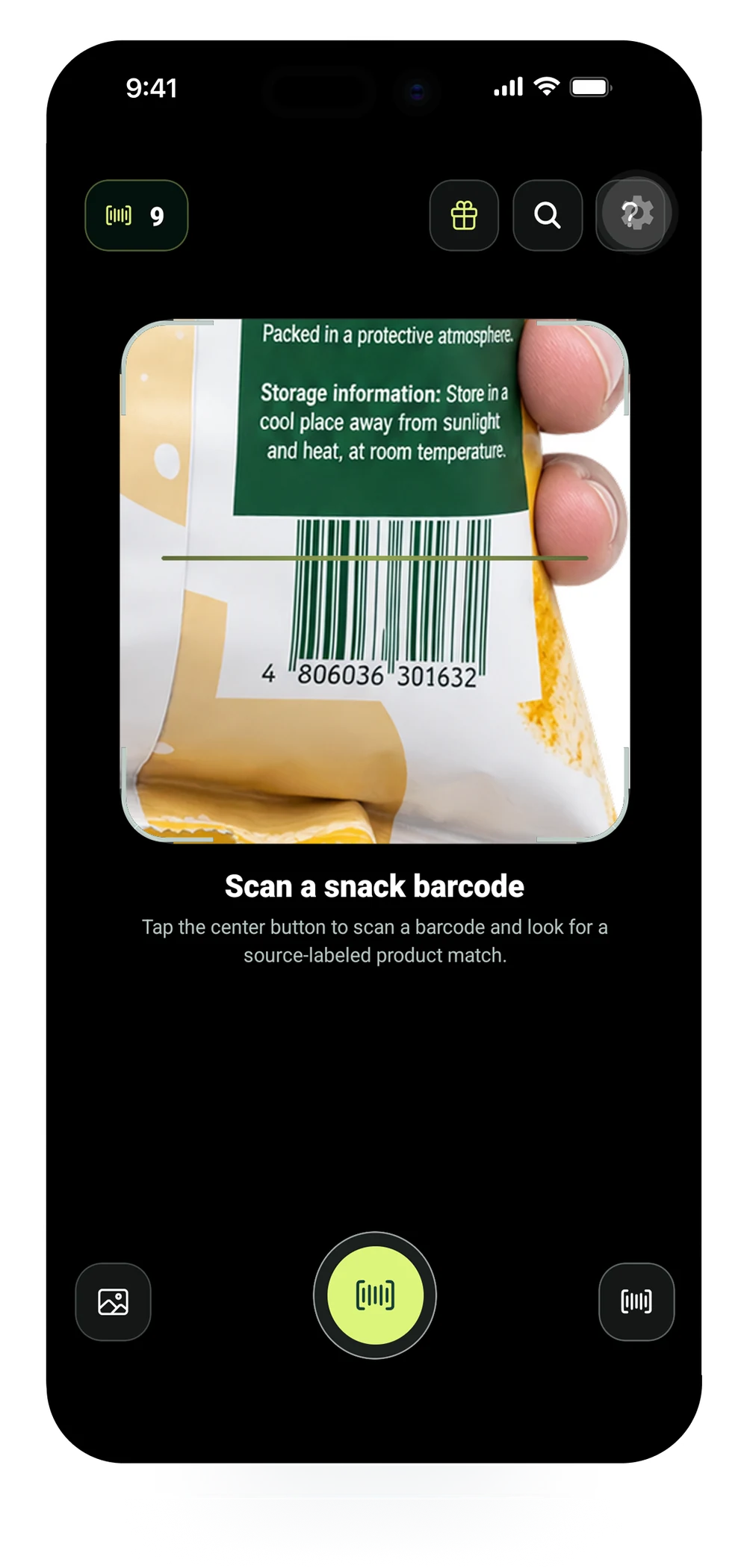
Scan a packaged-food barcode or search by product name. JFS checks supported data sources for a matching product record.
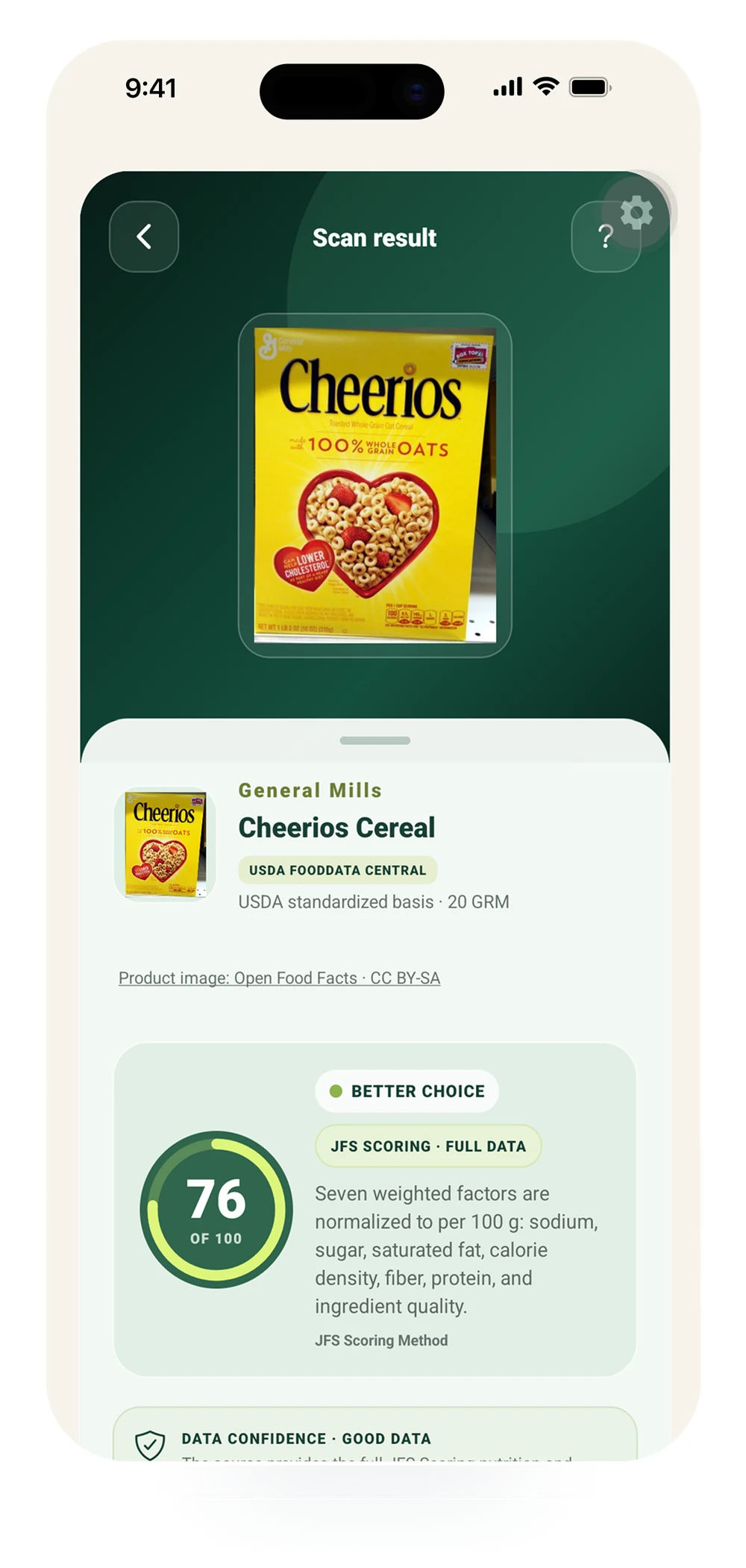
See the rating together with supporting nutrition and ingredient information. The score is meant to summarize available signals, not replace the underlying details.
JFS surfaces factors such as sodium, added sugar, saturated fat, protein, and ingredient context when reliable source values are available.
Use Compare to evaluate two products side by side, or Smart Snack Swap to discover a better-rated alternative based on available product data.
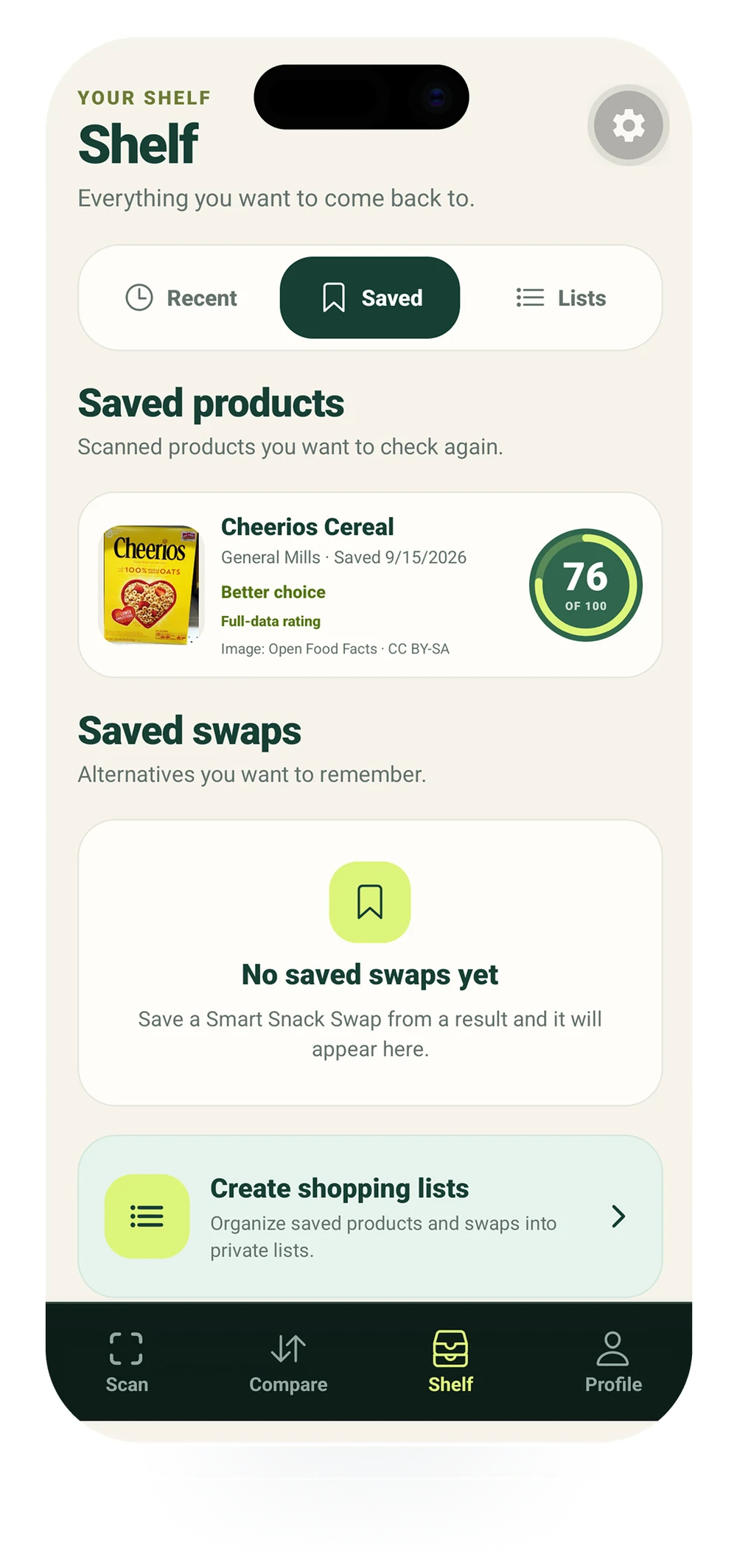
Save products, build shopping lists, and revisit products later. Signed-in users can choose private cloud backup for supported account data.